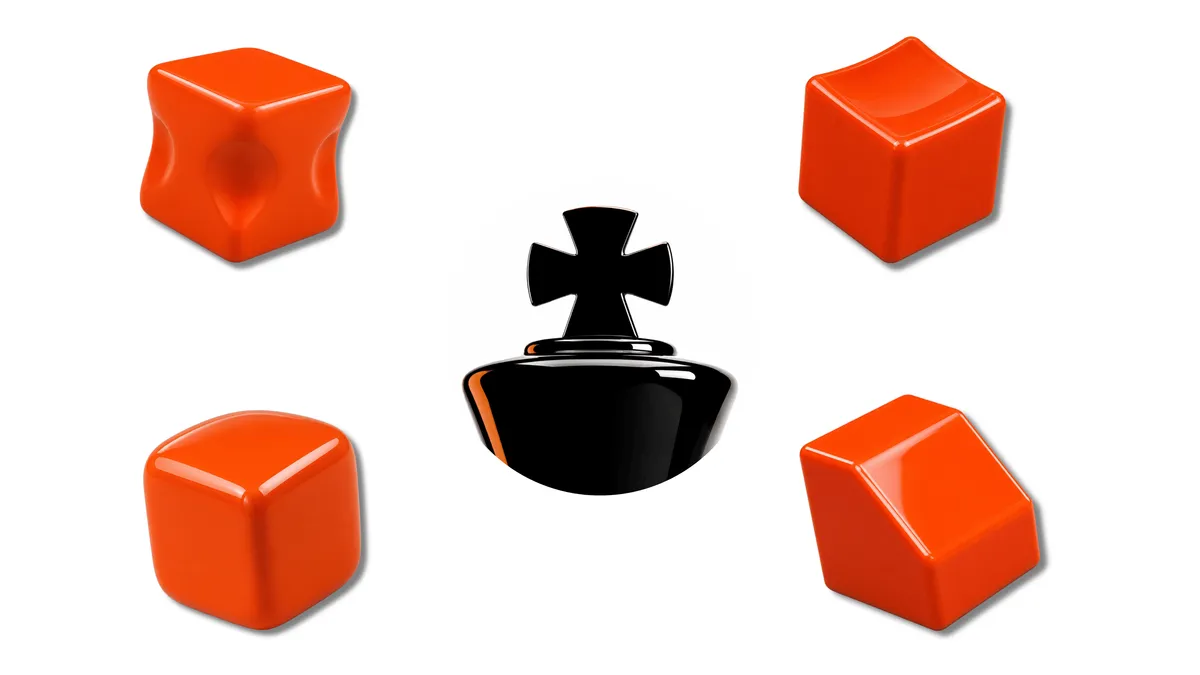
Why a random print is the wrong way to practice
A complex model combines several surface and geometry problems at once. When the result is uneven, it can be difficult to identify whether pressure, support, abrasive choice, or stage timing caused the failure. A practice form reduces the number of variables so one skill can be observed at a time.
Practice shapes isolate skills
Different forms expose different weaknesses in technique. Planar areas, transitions, recesses, and edges do not respond to the same support or pressure. The purpose of a practice set is to make those differences visible without risking a finished model; the exact exercise sequence belongs to the complete Formula.
Print settings that keep the practice honest
A practice print should represent the material and surface quality used in normal work. If the exercise is made artificially easy, the technique will not transfer reliably. Keep the print baseline consistent enough that changes in the finished surface come from the finishing decision being tested.
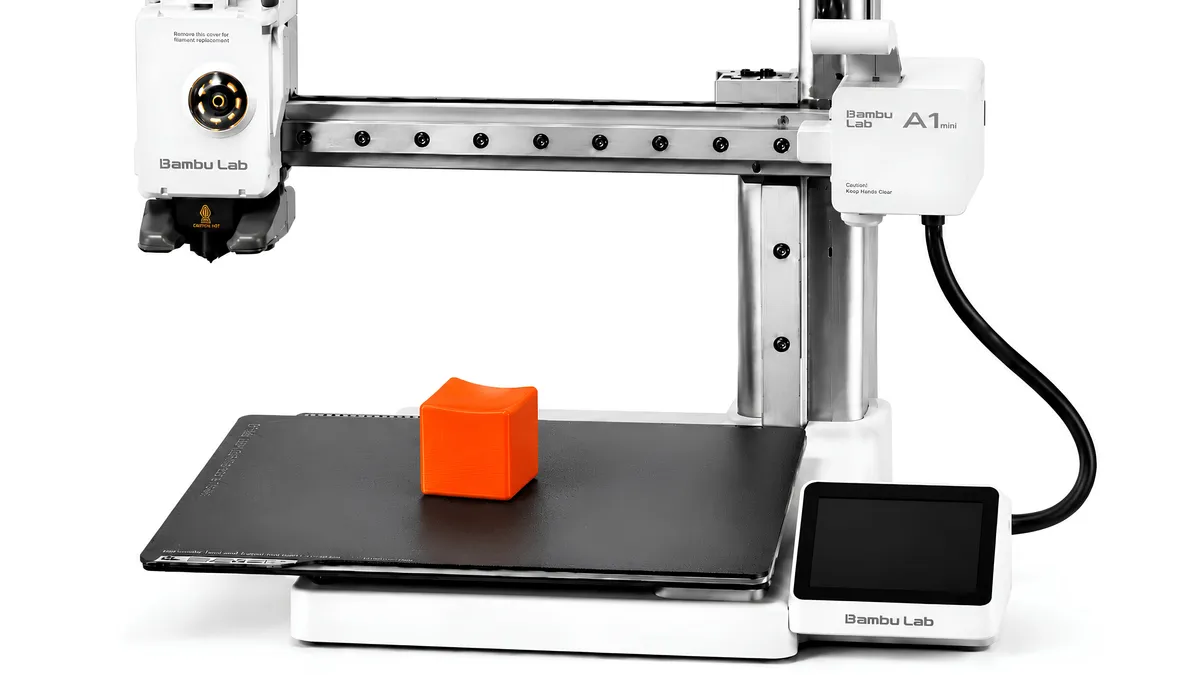
Work the primary zone first
Good practice needs a defined observation area and a visible quality target. Directional light helps reveal whether the chosen zone is becoming more uniform or losing geometry. Focusing the evaluation makes it easier to connect a result to the decision that produced it.
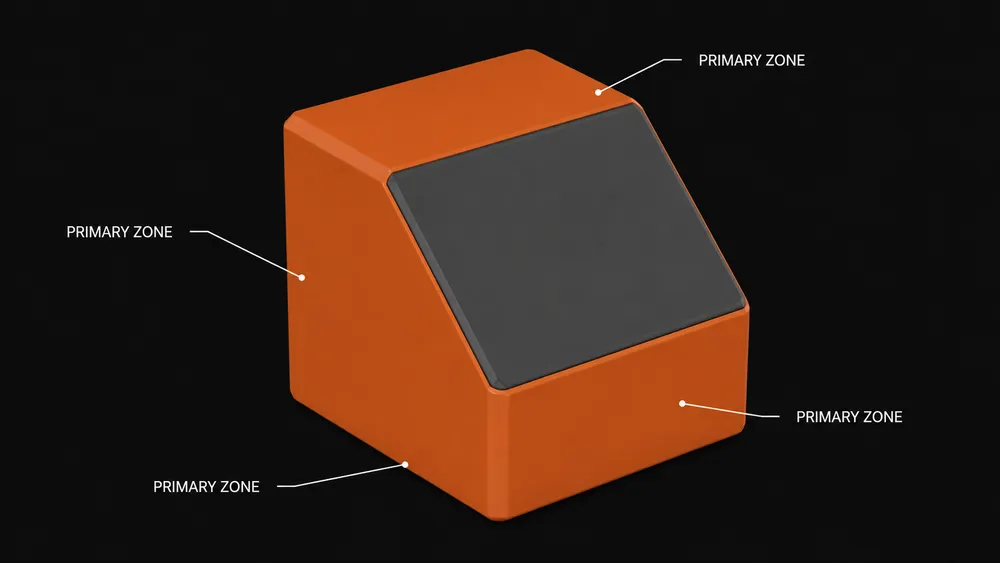
From cubes to real parts
Complex parts combine the same categories of surface risk found on simpler forms. Transfer happens when a maker can identify those risks, choose an appropriate support strategy, and recognize a successful handoff condition before moving on. The goal is judgment, not memorization.
Common mistakes
- Moving to a complex model before the target skill is repeatable.
- Using the same abrasive and pressure logic on every geometry.
- Evaluating by touch alone instead of under revealing light.
- Practicing without recording the decision and visible result.
Bottom line
Practice forms create a low-risk place to build pressure control, abrasive judgment, and edge awareness. PolishMaster turns those observations into a repeatable system; the specific exercises, operation briefs, and progression remain inside the Formula.