Remove the print signature
Visible layer structure is one of the clearest signals that a part came directly from an FDM printer. The objective is not to erase material indiscriminately; it is to reduce competing texture until the designed form becomes the first thing the eye reads.
Keep edges intentional
Finished products rely on consistent transitions. Softened corners, uneven bevels, and wavy boundaries make the surface feel hand-corrected even when broad faces look smooth. PolishMaster treats edge preservation as part of the finish standard, not as a secondary detail.
Make reflections consistent
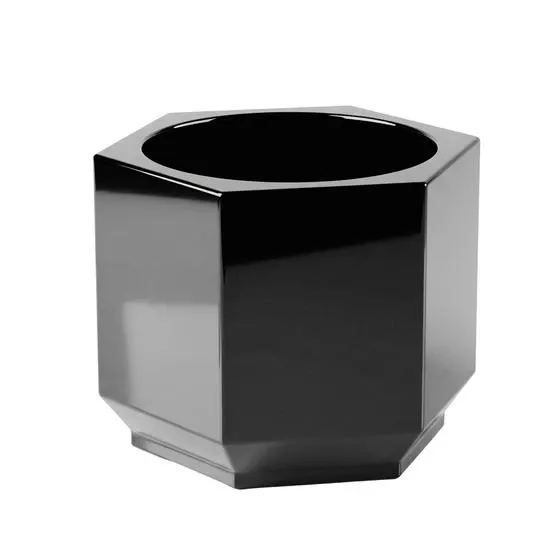
Light is the most reliable surface test. A refined high-gloss surface carries reflections without interruption. Local changes in sheen, haze, or reflection direction reveal preparation problems before photography makes them more obvious.
Choose color and finish together
Color and sheen change which defects become visible, so they should be chosen with the object, its lighting, and its use in mind. The best finish is not automatically the glossiest; it is the one that makes the part look deliberate across real viewing and photography conditions.
What surface cues appear first
- Layer texture competing with the designed form.
- Uneven sheen, haze, or broken reflections.
- Edges and transitions that no longer look intentional.
- Color or finish choices that amplify unresolved defects.
- A surface that changes character under stronger light.
Bottom line
A 3D print looks more manufactured when every visible cue agrees. PolishMaster approaches that result as surface control: preserve the design, remove conflicting texture, choose an appropriate sheen, and judge the whole object under revealing light.